Case preparation
Assemble the reported issue, earlier interactions, account context and available diagnostic evidence.
Customer Support
Tickets, history, and commitments in one workspace—not another disconnected queue.
Illustrative work context · not a live customer record
Resolve a case with its customer history, evidence, commitments and escalation context.
Assemble the reported issue, earlier interactions, account context and available diagnostic evidence.
Prepare a response from permitted documentation with references and missing information visible.
Carry attempted fixes, affected work and the responsible teams into an escalation brief.
Relate the proposed resolution to the customer commitment and observed response before closing the loop.
These feature patterns use connected, permitted information. Supported systems and authorized actions are confirmed for your deployment.
Explore the real Workbench application. Every screenshot below is captured directly from the authentic codebase—preserving the canonical left navigation shell, role-specific Work projections, demonstration telemetry cards, and context-aware Spine Twin controls.
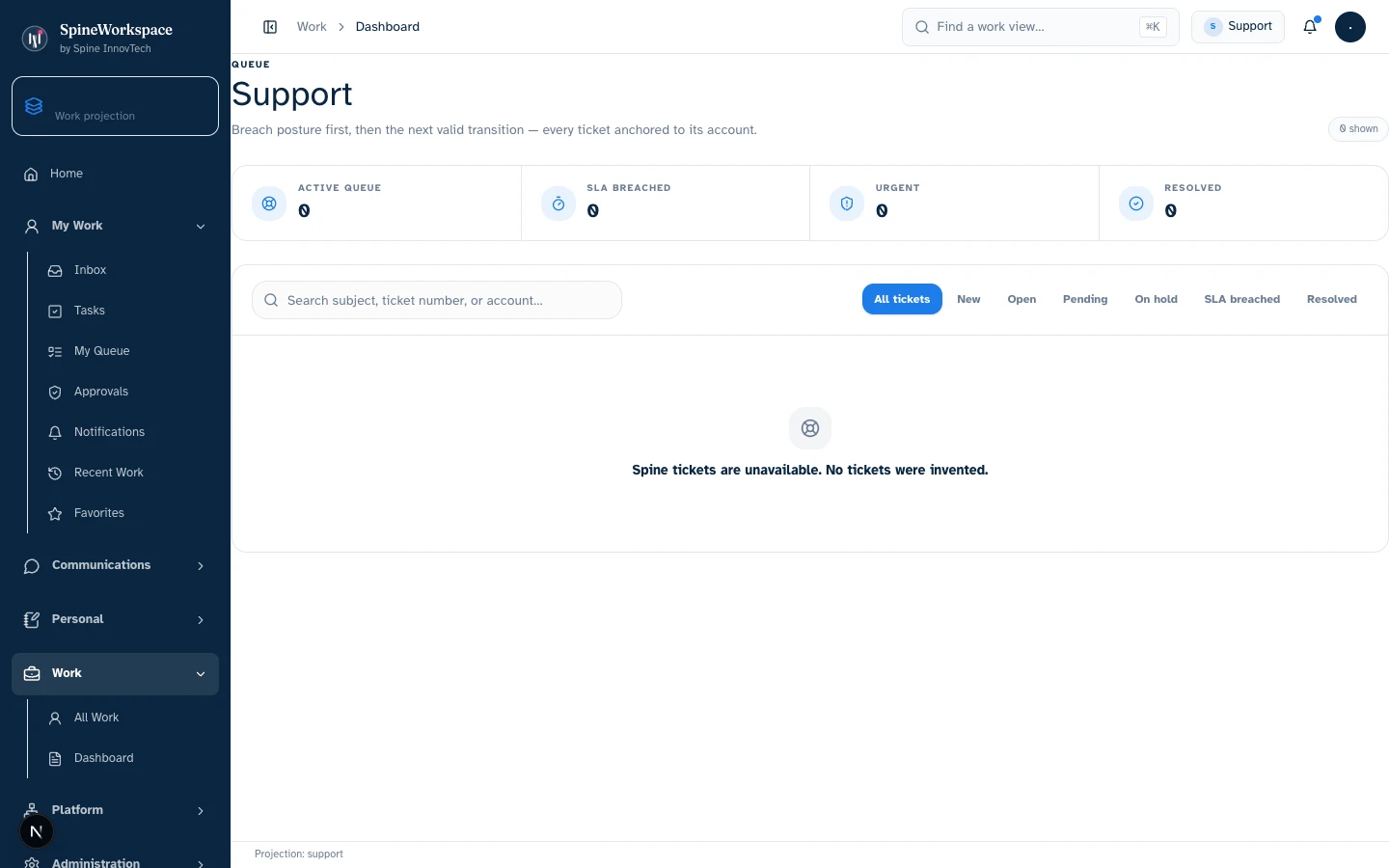
Support projection.Value Architecture · Support Workbench
Triage queues categorized by priority and customer tier, response time metrics, ticket resolution velocity, and recurring issue tags (demonstration state).
Escalate critical customer incidents to product engineering with attached diagnostic evidence, assign tickets to domain specialists, and track SLAs.
Prevents copying incident context between Zendesk, Slack channels, and GitHub issues.
Reduces time-to-resolution for critical client issues and ensures customer frustration is caught before it turns into churn.
Every visual asset is captured from the genuine local Spine Workspace Workbench application running real React components with deterministic demo state. Metrics and figures reflect demonstration fixtures, not audited production data. Projections adapt based on connected sources, credentials, and organizational permissions.
Explore the adaptive architecture01 / Situation
A customer reports an issue that has already crossed support and engineering.
02 / Twin prepares
Twin brings together the case history, attempted fixes, related issue and promised follow-up.
03 / Authorized next step
The support owner reviews the response and authorizes the customer communication or escalation.
Considering SpineWorkspace for Customer Support? Evaluate this workflow with your team and confirm the supported tools, included capabilities and subscription terms.
Explore subscriptions & pricingSpineWorkspace / Role-specific context
Resolve issues with the customer story in view. This solution describes a work pattern, not a promise that a dedicated subdomain or connector is active. Product access and supported environments are confirmed through SpineWorkspace.
SPINE INNOVTECH / WHAT'S NEXT
Explore how our technology connects business context, human judgment and governed AI capability. Start with the company behind the thinking or meet SpineWorkspace, our flagship product.